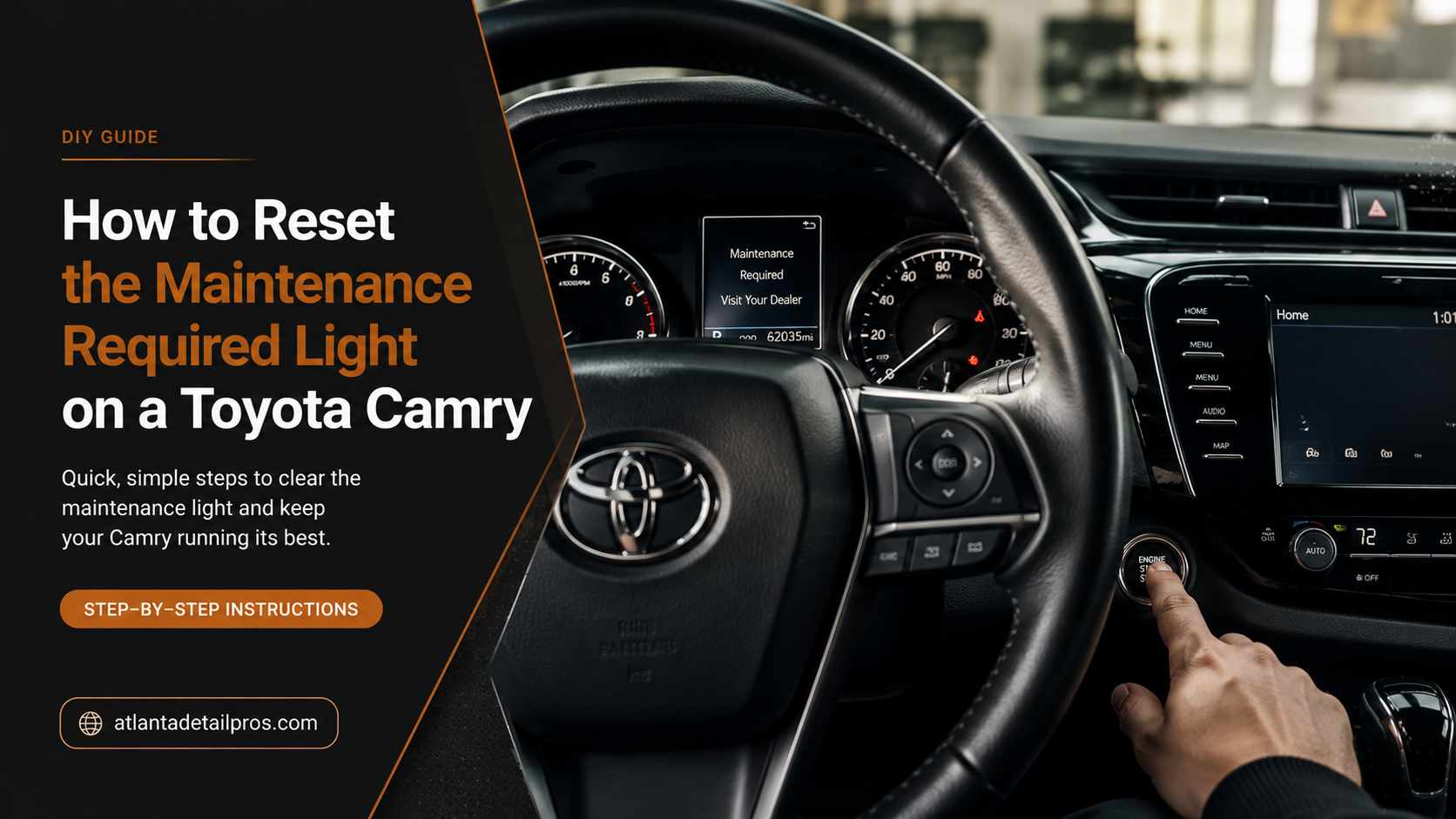
You just finished an oil change and the MAINT REQD light is still glowing orange on the dash. Or you are driving a used Camry and nobody ever cleared it after the last service. Either way, this light does not go out on its own, and the reset procedure is different depending on which generation of Camry you have.
This guide covers all three reset methods for every Camry from 2002 through 2026, including the exact display state required for the older models, which is the step that causes most failed attempts.
What the Maintenance Required Light Actually Means
The MAINT REQD light is a simple mileage-based countdown timer built into the car’s computer. It activates every 5,000 miles to remind you that routine service is due, typically an oil change and tire rotation. It is not triggered by a sensor or a fault in the car. It is a clock that needs to be manually reset after each service.
IMPORTANT: Do not confuse this with the Check Engine Light. The MAINT REQD light reads exactly that, or shows as a wrench icon. The Check Engine Light is shaped like an engine block outline. Dashboard button resets only clear the MAINT REQD timer. A Check Engine Light requires an OBD-II scanner to read fault codes and cannot be cleared with these steps.
Find your model year in the table below to identify which reset method applies to your car before you start.
Model Years | Reset Method | Key Button | Display Must Show |
|---|---|---|---|
2018-2026+ | Steering wheel controls + MID screen | OK button on steering wheel | Settings menu in MID |
2007-2017 | Physical stem button on instrument cluster | Odometer/Trip stem | TRIP A (not Trip B or ODO) |
2002-2006 | Physical stem button on instrument cluster | Odometer/Trip stem | Total Odometer (not Trip A or B) |
2018 and Newer: Reset Using the Steering Wheel Controls
Camry models from 2018 onward use a Multi-Information Display (MID) behind the steering wheel, controlled by a four-way directional pad on the left steering wheel spoke. The entire process is done through the digital menu, no physical buttons on the dash.
1. Enter ignition mode. Without pressing the brake pedal, press the engine Start/Stop button twice. This powers on the dashboard electronics without starting the engine.
2. Access the Settings menu. Press the left or right arrow on the steering wheel pad to cycle through the main menu icons on the MID screen until you highlight the icon shaped like a mechanical gear.
3. Open Vehicle Settings. Press the down arrow to scroll through the settings sub-menu until you highlight Vehicle Settings (a small car profile next to a gear icon). Press and hold the central OK button for two seconds to open it.
4. Locate Maintenance. Scroll down with the arrow and highlight Scheduled Maintenance or Oil Maintenance. Press OK once to open it.
5. Confirm the reset. The screen will prompt you to confirm. Use the arrow to highlight Yes, then press OK. The screen will display “Reset Complete” and the 5,000-mile countdown restarts.
2007 to 2017: Reset Using the Physical Stem Button
These models use a small physical stem button that protrudes from the clear instrument cluster lens. The screen must be showing Trip A specifically before you power down. This is the detail that causes most failed resets on these models.
1. Power on the dash. Turn the ignition key to ON, or press the push-button start twice without touching the brake. Do not start the engine.
2. Set the display to Trip A. Press the physical Odometer/Trip stem button repeatedly to cycle through the display options until the screen shows Trip A. It must say Trip A, not the total odometer mileage and not Trip B.
3. Turn the vehicle off. Turn the ignition key fully to OFF/LOCK, or press the start button once to cut all dashboard power.
4. Hold the stem and power back on. Press and hold the physical stem button down firmly. While holding it, turn the key back to ON (or press start twice without the brake). Keep holding the button throughout.
5. Watch the countdown. Continue holding the stem for approximately 10 seconds. The digital screen will show a row of dashes that disappear one by one. When the dashes are gone, a row of zeros will briefly appear, then the screen returns to normal. The light is now cleared.
DISPLAY STATE TRAP: The single most common reason this reset fails is turning the car off while the screen is on the total odometer or Trip B instead of Trip A. If your first attempt did not work, repeat from Step 1 and verify the screen says exactly “Trip A” before powering off.
2002 to 2006: Reset Using the Total Odometer View
Older Camry models use the same physical stem button method as the 2007-2017 generation, but require the opposite display state: the screen must show your total overall mileage, not Trip A or Trip B.
1. Show the total odometer. Turn the ignition key to ON. Press the physical stem button until the screen displays your total overall vehicle mileage, not Trip A and not Trip B.
2. Shut off power. Turn the ignition key fully to OFF.
3. Hold the stem button. Press and hold down the physical stem button.
4. Power back on. While holding the stem button, turn the ignition key to ON. Do not start the engine.
5. Complete the reset. Hold the button for approximately 10 seconds. The MAINT REQD light will flash rapidly, then glow solid for one second, then go out completely. Once it goes out, release the button. The reset is complete.
Why the Reset Is Not Working: Common Fixes
Wrong display state (2007 and older models): This accounts for the majority of failed resets. The car must be powered off from the correct screen: Trip A for 2007-2017, total odometer for 2002-2006. Go back to Step 1 and verify before powering down.
Incomplete hold on the stem button: You need to keep firm, constant pressure on the stem button through the entire power-on sequence and the countdown. Releasing early before the dashes clear or the light flashes will abort the reset.
Engine started accidentally: Both methods require the ignition to be in the ON position without the engine running. On push-button vehicles, press the start button without your foot on the brake. If the engine cranks, turn it off and start the sequence again.
Wrong light entirely: If the light is engine-shaped rather than reading MAINT REQD, it is the Check Engine Light, not the maintenance timer. These steps will have no effect on a Check Engine Light. You need an OBD-II scanner.
Frequently Asked Questions
Does resetting the maintenance light actually do anything to the car?
No. The reset only clears the mileage-based timer and turns off the indicator light. It does not affect engine performance, record that a service was performed, or interact with any sensor or mechanical system. The light is purely a reminder clock.
How often does the maintenance required light come on?
The MAINT REQD light is programmed to activate every 5,000 miles. Once you reset it, the countdown restarts from that mileage and will illuminate again in another 5,000 miles.
Can I reset the maintenance light without doing an oil change?
The reset steps work regardless of whether the oil has actually been changed. The light is a timer, not a sensor, so it cannot detect oil condition. However, resetting the light without performing the service means you lose track of when your next oil change is due. The light exists to remind you, not to confirm the work was done.
What if my Camry has a push-button start but falls in the 2007-2017 range?
The same reset method applies. Instead of turning a key to ON, press the Start/Stop button twice without your foot on the brake to power on the electronics. The stem button sequence and display state requirement are identical whether the car has a key or a push-button ignition.
Will the MAINT REQD light come back immediately after I reset it?
No. Once successfully reset, the light will not reappear for another 5,000 miles of driving. If the light comes back on within a few miles or immediately after a reset, the reset did not complete fully. Repeat the procedure, paying close attention to the display state before you power down.
Do I need a scan tool or any special equipment to reset this light?
No scan tool is needed for the MAINT REQD light on any Camry model covered here. The reset is performed entirely with the ignition switch or start button and either the steering wheel controls (2018 and newer) or the physical cluster stem button (2007 and older). A scan tool is only required for the Check Engine Light.
What year Camry do I have if I am not sure?
Check the driver-side door jamb sticker, which lists the model year along with the vehicle identification number. The model year is also on the title and registration documents, and appears as the 10th character of the VIN.
The Bottom Line
The MAINT REQD light on a Toyota Camry is a straightforward mileage timer, not a fault indicator. The reset is a short sequence you can do at home in under two minutes once you know which method applies to your model year.
The one step that derails most attempts on 2017 and older models is the display state before power-down. Confirm Trip A is showing (2007-2017) or the total odometer is showing (2002-2006) before you cut the power. Get that right and the reset works on the first try every time.
If the light that is bothering you is engine-shaped rather than labeled MAINT REQD, these steps will not help. That light needs a scanner, not a button sequence.